 Skip to Content
Let's Stop Misusing overscroll-behavior
We're missing a key point that hurts usability!

The Problem
In a browser like Safari or Firefox, you notice you scroll past the ends of the page, and it bounces back. This behavior can be called overscrolling.
You may find this to be annoying, others may be fine with it; or you may find that it hurts the design of your website. The user sees a part of the page that they aren’t supposed to see. Your design may not account for this!
So you go search for a solution.
You may have checked StackOverflow, or found something on MDN.
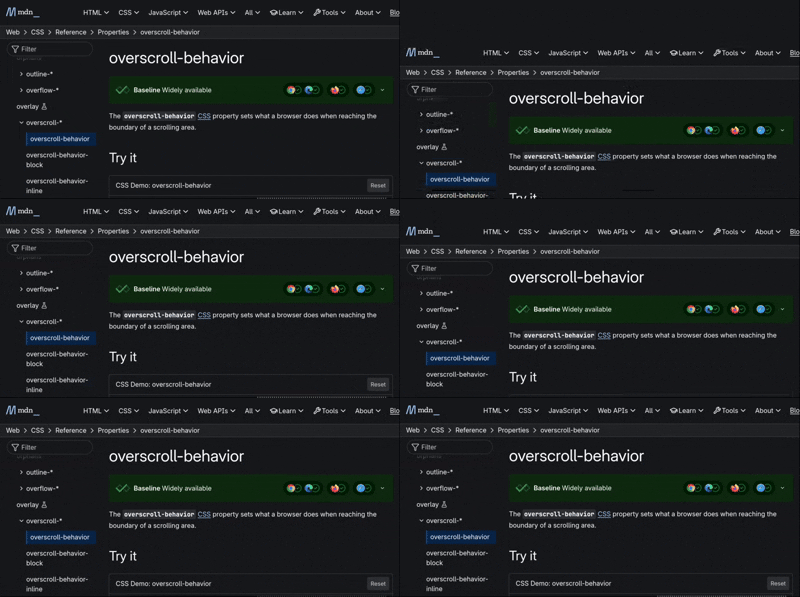
What is suggested and what you may reach for is the CSS property overscroll-behavior.
You may set this as overscroll-behavior: contain; on the body, and there we go! Problem solved.
However! 📣
There is something many developers miss about the contain value of this property:
— MDNThe contain value disables native browser navigation, including the vertical pull-to-refresh gesture and horizontal swipe navigation.
I use my touchpad a lot! Gestures are the main way I like to navigate the web!
When you’re applying this property, you’re hurting the usability of your website by introducing unexpected behavior. This can become an annoyance, among other things like back-button-hijacking.
The MDN page provides one example, preventing a child scroller from affecting its parent scroller. But then goes on to…
— MDNWe also wanted to get rid of the standard overscroll effects when the contacts are scrolled to the top or bottom
No! Encourage the thing I've been warning about! Have you not remembered what you've mentioned before!?
What should it really be used for?
One other use I can think of for this property… is if you’re building your own pull-to-refresh feature like what is done in some PWA’s, that refreshes the relevant content rather than refreshing the entire page.
In this case, you should only apply the contain value on the y-axis. This can be done with overscroll-behavior-y: contain; or overscroll-behavior: auto contain;.
Using just overscroll-behavior: contain;, means that you are disabling browser gestures for both pull-to-refresh (y-axis), and swipe-to-navigate (x-axis)!
What should we do instead?
You may need to take into account the overscroll when styling your website. Make sure you set the proper background-color on the body. Using position: fixed; will keep the element fixed in place during overscroll, while position: sticky will stop sticking once you reach past its container.
What if I just don’t like overscroll?
Firefox: Visit about:config, search for apz.overscroll.enabled and set it to false
Other Browsers: Unfortunately, I am unsure if it is possible to disable overscroll on Safari. Nor am I aware of other browsers with this behavior.
If you don’t care about the gestures, you may apply this CSS snippet using a browser extension like Stylus or (I haven’t tested) Cascadea on Safari:
html, body {
    overscroll-behavior: contain !important;
}